Guide
Sharing journey status
Let passengers share their live journey with friends and family – and add the link to your SMS templates in a few clicks.
Allow your customers to share their journeys with friends and relatives
We have introduced a new feature to help you provide your customers with a safer journey.
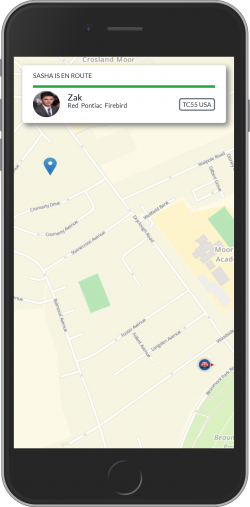
When your customer requests a car and the driver is on the way, they can forward a link to their friends or family. Opening the link displays the driver's first name, vehicle information and the passenger's location on a map in real time.
How to include journey sharing in your SMS
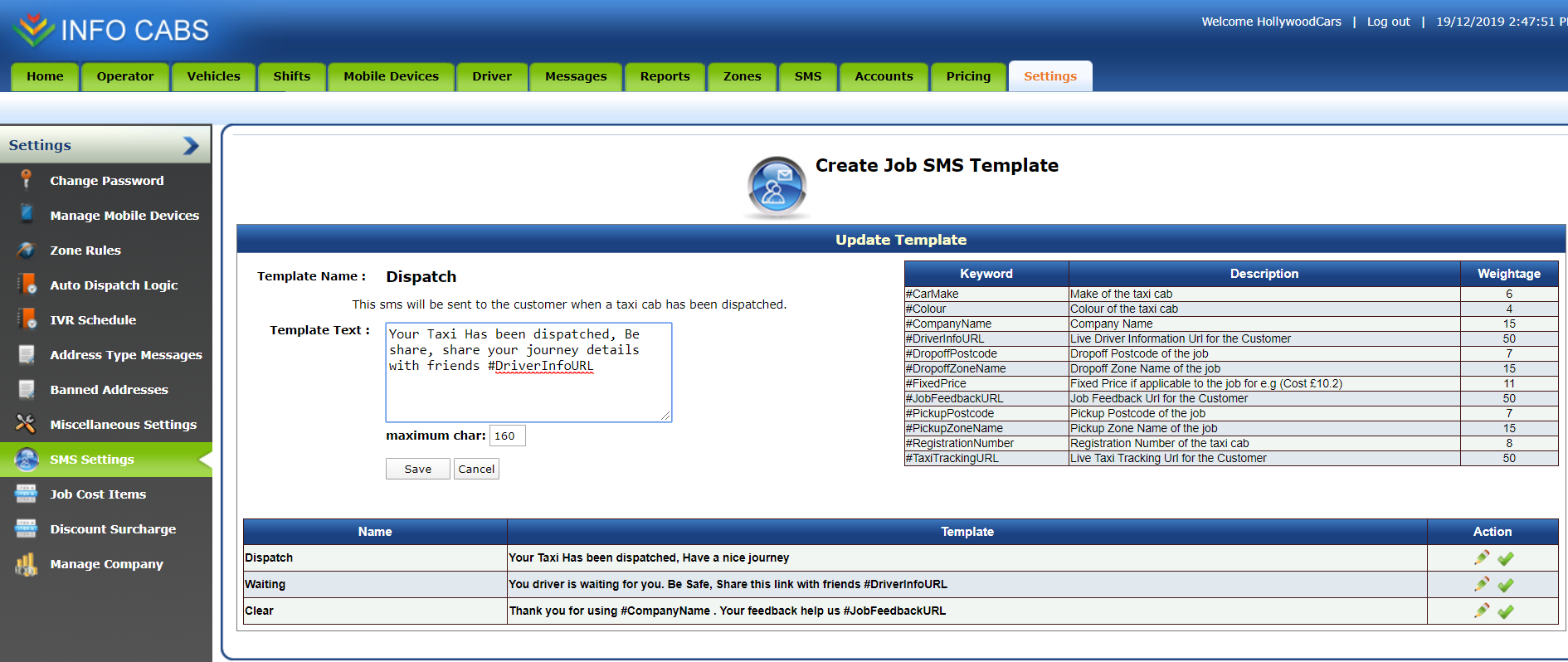
- Log in to your web admin.
- Go to Settings › SMS Settings.
- Click the pencil icon on the Dispatch template.
- Add the hashtag
#DriverInfoURLto the template text. - Click Save.
Ready to see InfoCabs in action?
Book a no-obligation demo and chat with our team. No hidden costs.